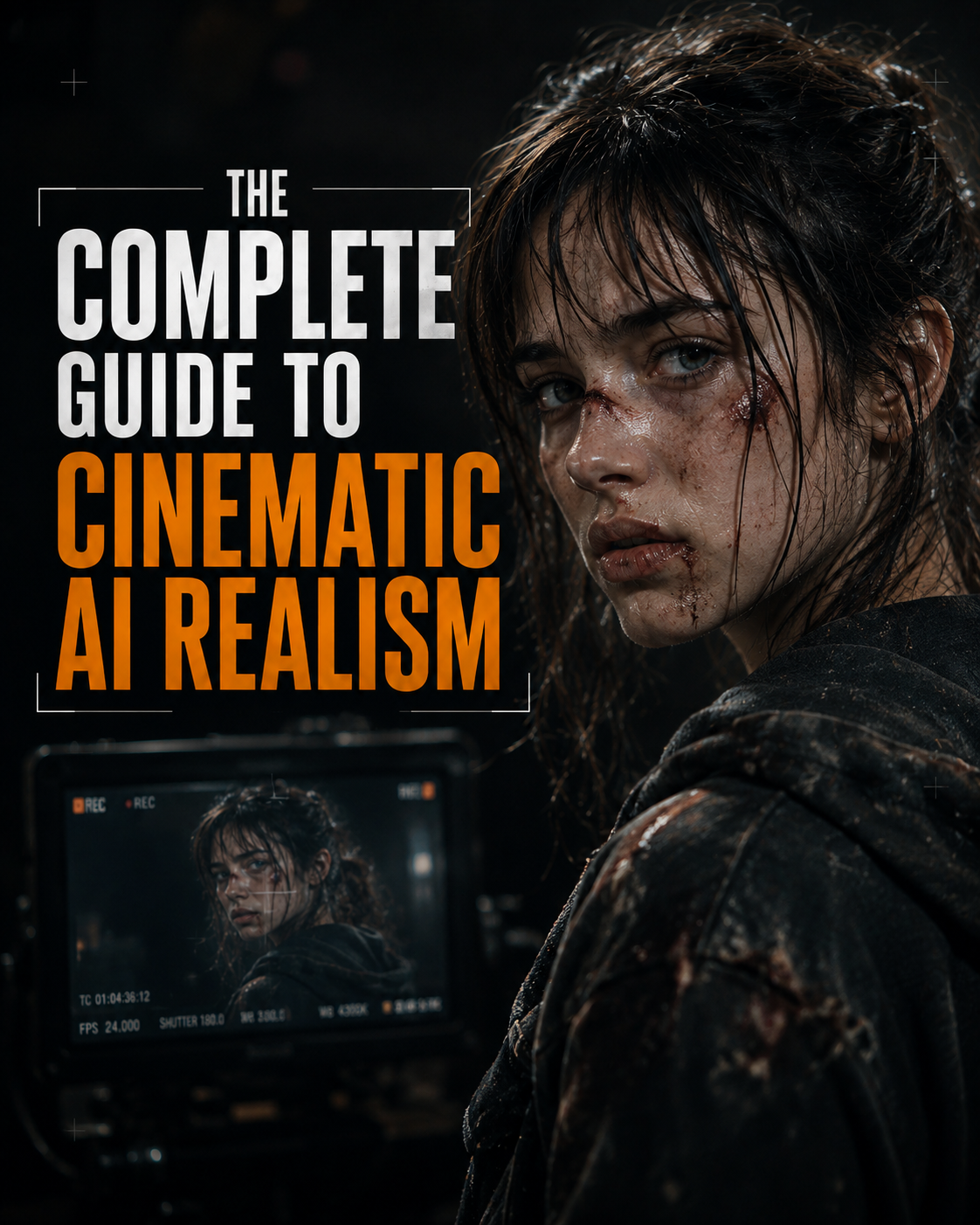
The Blueprint for Consistent AI Influencers
Learn the end-to-end framework for building and scaling perfectly consistent AI influencers. This guide covers how to train a flawless custom character model from scratch and automate content creation using customized dashboards and APIs.
The Blueprint for Consistent AI Influencers
Character consistency is the single biggest hurdle in creating a successful AI influencer. If your character’s eye color, jawline, or hair changes in every post, the illusion breaks.
By combining manual character training with automated generation dashboards, you can build a highly consistent digital persona from scratch and scale their content effortlessly. Here is the two-part blueprint.
Step 1: Create a Face That Never Changes

Avoid "plastic" faces: Turn down the AI's strictness settings so your character gets natural human softness instead of looking like a shiny, perfect doll.
Lock in the details: Make one great picture of your character and immediately make it high-resolution (upscale it) to lock in real skin texture and pores.
Train the AI: Generate a few pictures of that exact same face from different angles (side view, smiling, looking down). Feed these into the AI's character tool so it memorizes the face and never accidentally changes their eye color or jawline in the future.
Step 2: Start with a Perfect Still Picture

Photos first, videos second: A realistic AI video is just a beautiful photograph that starts moving. If your starting picture looks fake or boring, the video will too.
Steal good descriptions: If you don’t know how to describe good lighting or cool camera angles, find a movie screenshot you love, upload it to an AI, and ask the AI to describe it. Copy those exact words to create your own picture.
Step 3: Direct the Scene and Make It Messy

Tell the camera how to move: Don't just say "zoom in." Say "shaky handheld camera" or "slow drone shot" so the video moves like a human is actually holding a camera.
Force awkward habits: Real people aren't perfectly still. Tell the AI to make your character blink, shift their weight, or look away mid-sentence.
Add ugly details: Make the world messy. Ask for messy hair, tired eyes, or a cluttered background. Perfect symmetry is a dead giveaway for AI.
Use real voice recordings: Don't use a perfectly smooth AI voice. Record yourself talking normally, including deep breaths and slight stutters. When the AI matches the character's mouth to a real, slightly messy human voice, it looks incredibly lifelike.
Step 4: Clean It Up in a Normal Video Editor
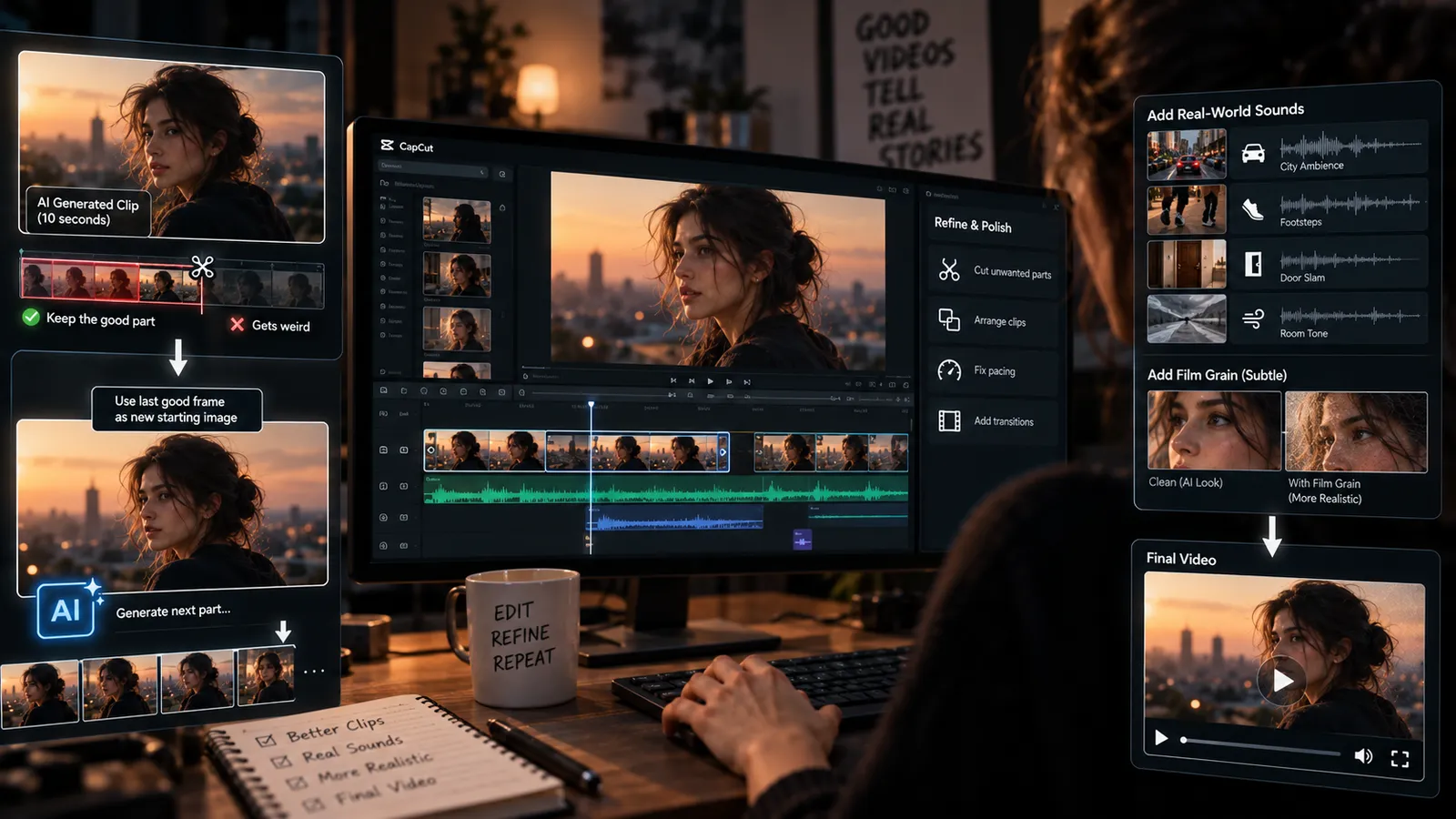
Save the good parts: If a 10-second video looks great for the first three seconds and then gets weird, screenshot the last good frame. Put that screenshot back into the AI as your new starting picture to generate the rest of the clip.
Cut out the bad stuff: Put all your clips into a standard video editor like CapCut or Premiere. Manually chop out any robotic movements or weird glitches.
Add real sounds: The AI doesn't know what the world sounds like. You have to layer in background noises like traffic, footsteps, or a door slamming. Add a bit of fake film grain over the footage to tie it all together.
You might also like
Comments
Log in to leave a comment.